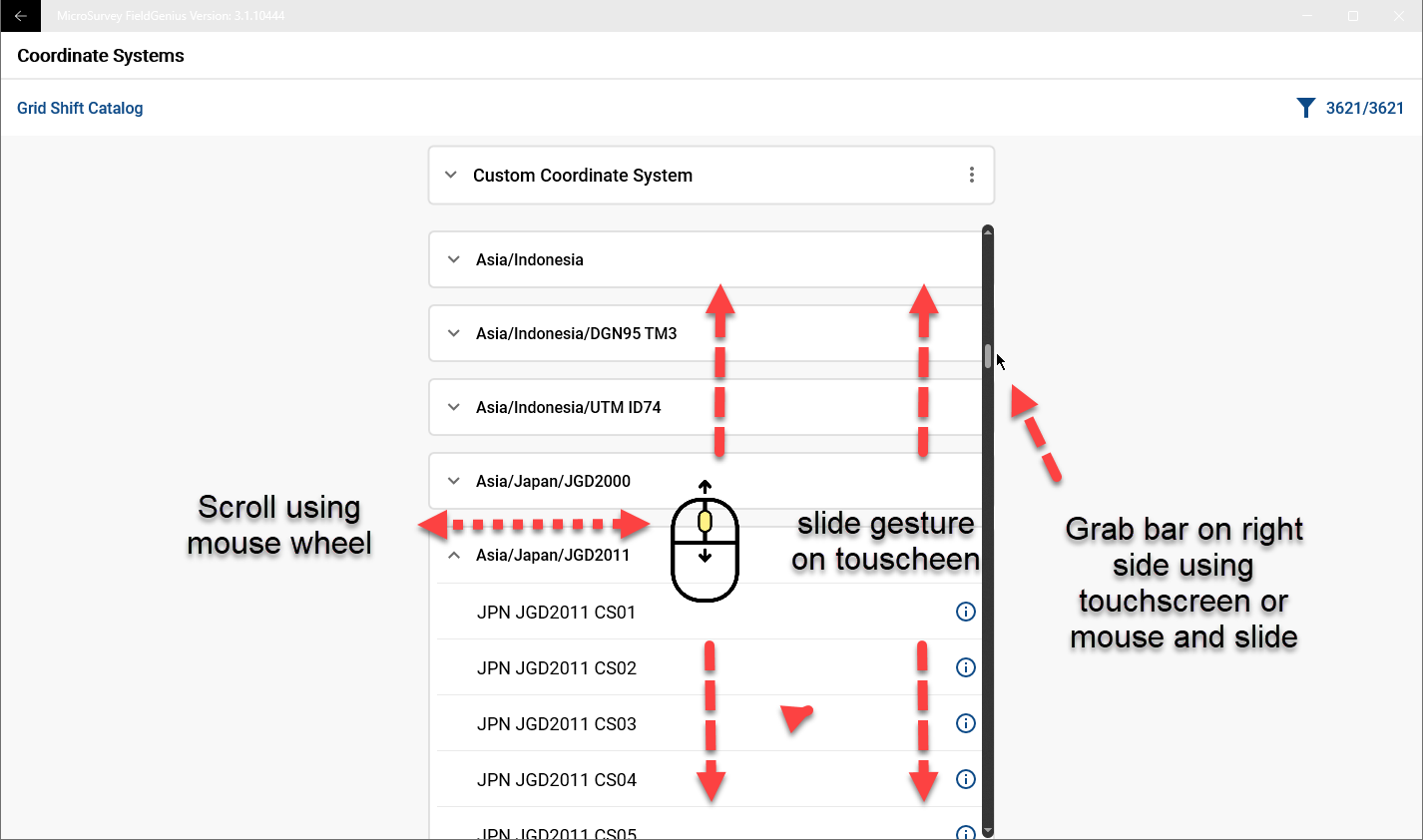
Most FieldGenius 3.X dialogs that are longer than the screen allow users to navigate by:
- swipe up and down with a single finger gesture
- activate a drag bar on the right side and slide up and down
- Use a mouse wheel while the mouse is over the dialog
If you are using a mouse and unable to use your mouse wheel to scroll through a dialog, change the following Windows setting:
Windows key
type: mouse options
When Mouse settings dialog opens, turn on the option: "Scroll inactive windows when I hover over them"
James Johnston
Comments