On some Windows devices, after installing FieldGenius you may have an issue where the application fails to launch.
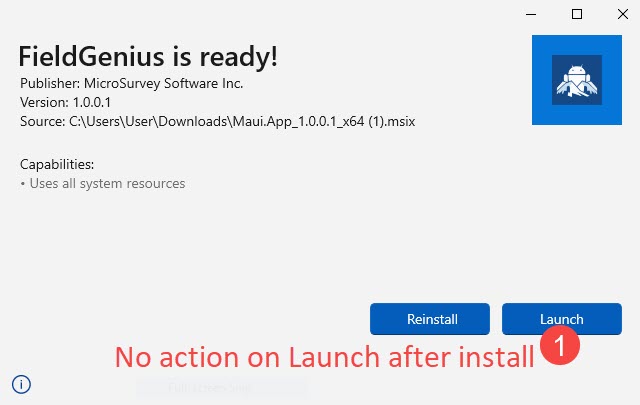
We have found that this has to do with some .NET updates (9.0) not installing correctly. So to solve this, you'll need to download and install those manually. See steps below.
- Locate a keyboard with a USB cable and connect to the tablet if possible. If enough ports are available connect a mouse as well.
- Download .NET 9.0
- Install dotnet-sdk-9.0.300-win-x64.exe
- Open Windows > PowerShell
- Verify that step 2 was successful by entering command:
dotnet --version 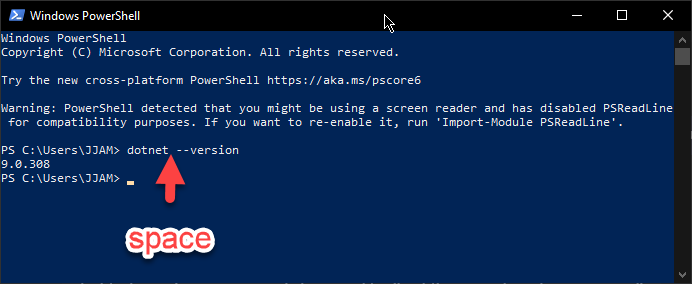
- Download Latest Windows App SDK downloads
- Install WindowsAppRuntimeInstall-x64.exe
- Open Windows > PowerShell
- Run command:
Get-AppxPackage -Name "WindowsAppRuntime" 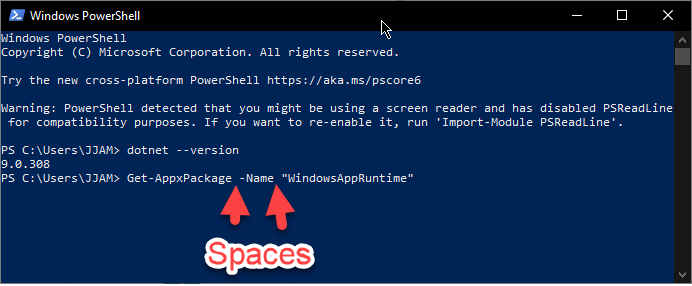
- Try to launch FieldGenius > It should successfully launch now
Chris Clemente
Comments