Sometimes users report they see a dialog with this wording:
"Your License validation failed. We will try to verify your license one more time before closing."
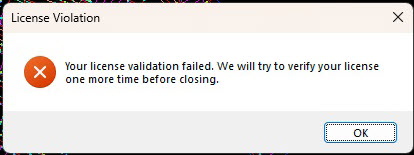
If they select "OK" they may see either normal behavior or a prompt that the program will close and you will be able to save all your open drawings. In cases where you are using a license ID and password to license a MicroSurvey product, this behavior is normal when you have lost your connection to the internet. This is because MicroSurvey is unable to check in with the online license server.
Some users report that although they have an internet connection, they see this dialog often and find it is disruptive. This has been known to happen in cases where the internet connection is weak.
In cases where you have a floating license you may wish to use the "Check out" feature on the Licensing Options dialog. The feature is meant for cases where you need to take a license offline.
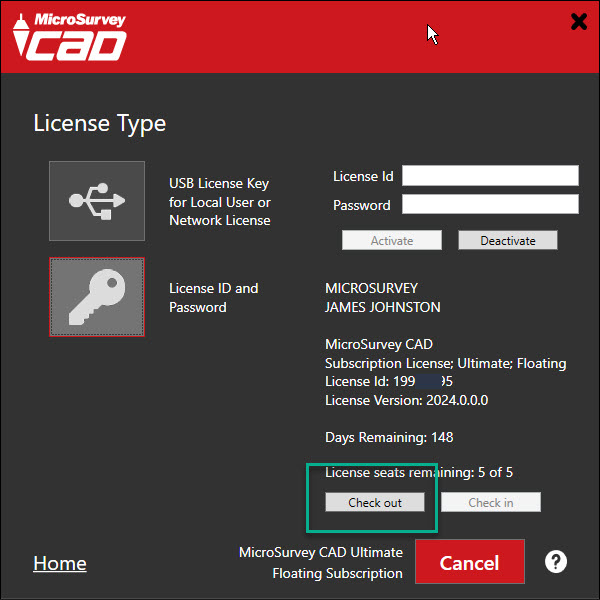
IMPORTANT CONSIDERATION: If you decide to use "Checkout" your license will become unavailable to other users who share this floating license until one of two things take place:
- You actively check the license back in
- two weeks pass and the license becomes available again
So be careful about using the Check out feature!
James Johnston
Comments