FieldGenius Legacy can read surfaces, (defined by points and triangles) alignments, points and parcels from a landxml file.
FieldGenius Legacy has a requirement that surface names be created using only letters, numbers and underscores. If a surface name is not compliant the following error message is displayed:
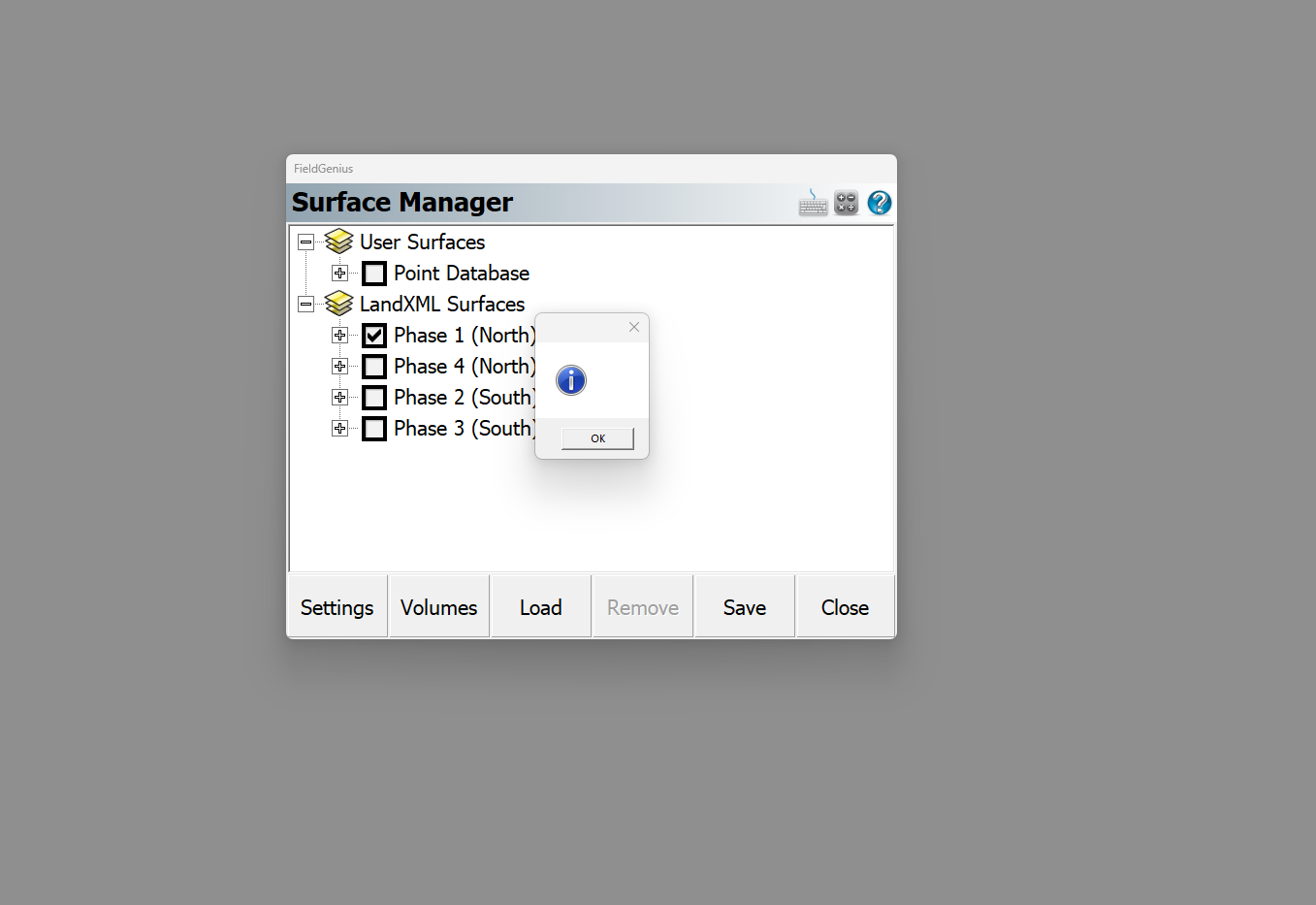
This is easy to fix in a text editor such as Windows Notepad or Notepad ++:
- Open the landxml file
- search for all entries with the following appearance: <Surface name=
- For each surface name listing you find, modify the surface name so it uses only numbers and letters ie:
Change
<Surface name="Phase 1 (North)" desc="Description">
to
<Surface name="Phase_1_North" desc="Description">
Save the file and try reloading into FieldGenius Legacy.
View this article to learn more about landxml surface formatting.
James Johnston
Comments