This article series will go over all the details needed for you to learn how to use and manage your licenses, all in one place. You can skip ahead to any other section from the links below as needed:
| Account Creation | Account Login | License Portal | Downloads |
| Licenses & Activations | Renewals & Upgrades | Product Registration | Adding new Licenses |
| Desktop Licenses | FieldGenius Licenses |
Account Creation
You can create an account from the following Customer Portal page, which is based on an email and password. Once created, you can then login using either that email or the Customer ID assign to your account.
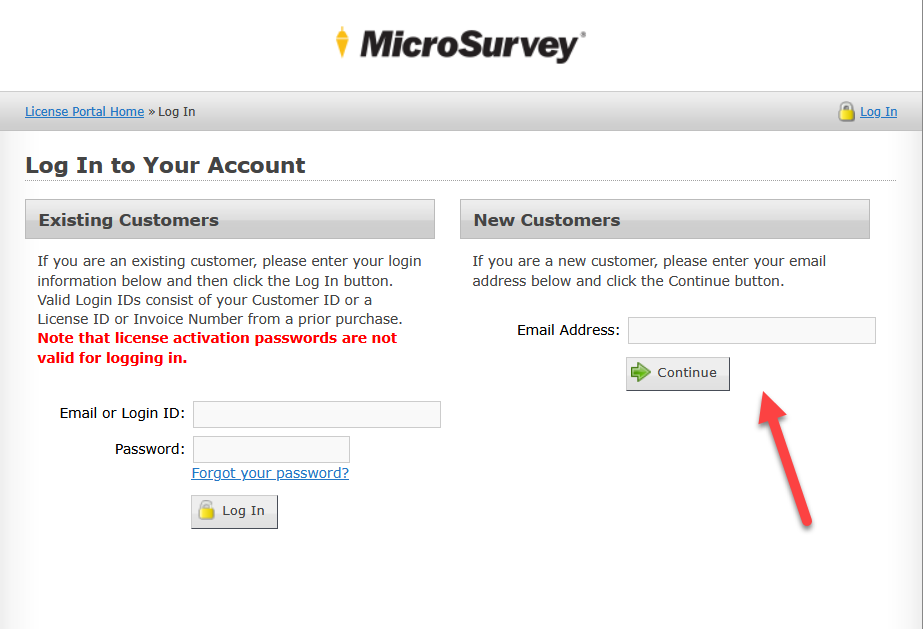
If you have requested a demo for any of our products recently, you will already have an account under the email used to make that request. An email would have been sent to you with the details on that.
Chris Clemente
Comments